Insightful User Reviews of the Excavator Search Engine
Be alert to redirects, unexpected login prompts, payment requests, and instructions to install a browser extension or download a «required» file. Those are reasons to stop rather than evidence that a search service is functioning correctly. Never enter personal credentials or payment details just to test a URL, and do not treat HTTPS or an onion address as a guarantee that a site is benign.
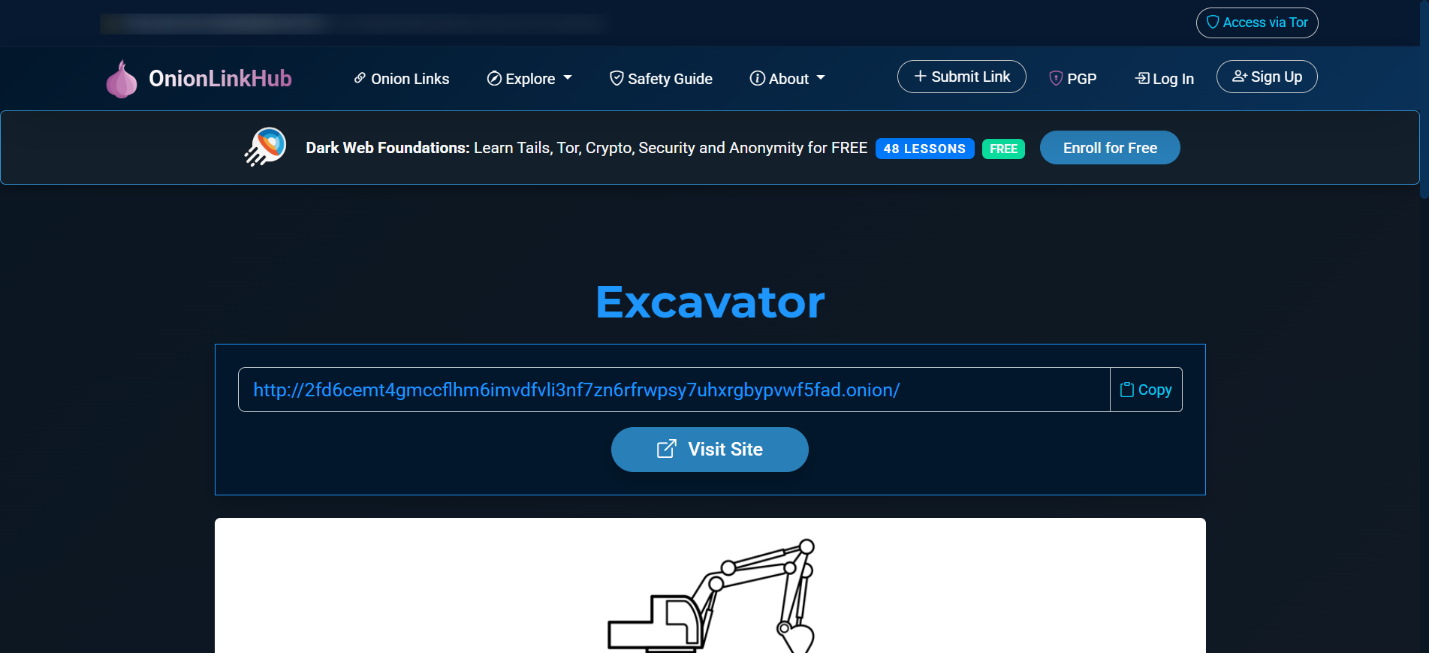
How should you verify an Excavator onion link before opening it? An Excavator search engine link should be treated as unverified until its address matches information from a source you already trust. Onion addresses are long and easy to mistype; a copied link can also point to an imitation page, so do not rely on a search snippet or a comment that merely says the address works.
For example, suppose a researcher finds a page claiming that a public document has changed. They can note the exact claim and date, compare the cited document with an official public source, and search for independent reporting; if the original cannot be authenticated, the result remains an unverified lead rather than evidence.
Which checks help distinguish useful results from risky ones? Assess a result on separate dimensions: provenance, freshness, relevance, and behaviour after opening. No single signal is conclusive, but several consistent checks can expose obvious problems. In particular, compare the destination with the result snippet and look for mismatched topics, forced redirects, or claims that pressure the visitor to act immediately.
Suppose a query returns four listings: two have no source trail, one has an old date and redirects, and one matches the stated topic without requesting data. The last result is the strongest candidate for cautious reading, but it is not «verified» merely because the others look worse. Keep notes on why a result was retained or rejected so later research can reproduce the decision.
How should you manage privacy and research notes? Keep notes limited to what the research requires: query terms, access dates, source descriptions, and relevant excerpts. Avoid collecting personal details about site operators or visitors unless there is a legitimate, lawful reason and a clear need. Store notes securely, separate them from identifying accounts, and remove sensitive material that does not contribute to the research question.
Reviews cannot independently confirm the operator's identity, security practices, or the authenticity of indexed destinations. Several posts repeating the same praise may come from a shared source rather than separate users, so look for varied, specific accounts and treat unsupported assurances as opinion, not evidence.
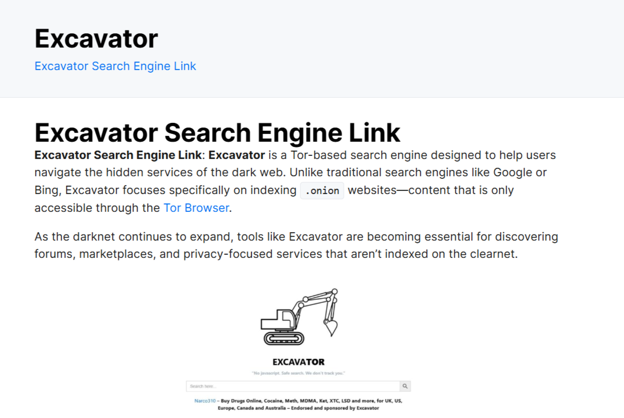
This guide explains how to use a tor excavator search workflow without treating any search engine as a guarantee of safety or completeness. It covers link checks, query design, result evaluation, and practical limits so that curious users and researchers can navigate responsibly.
This guide explains how to assess user reports, approach an Excavator onion search engine link cautiously, and interpret what a search result can and cannot establish. It also gives a practical verification routine and a hypothetical example for comparing results while limiting exposure to malicious pages and unnecessary data collection.
Privacy-oriented access can reduce some forms of routine tracking, but it does not make browsing anonymous in every practical sense or protect a device from unsafe files. Convenience favors opening a result immediately; caution favors checking the address, avoiding downloads, and separating research from personal accounts. For a broader perspective on privacy trade-offs, Excavator Search Engine may be useful to compare with your own threat model, rather than treated as a security guarantee.
When should you avoid an Excavator search engine link? A link should be avoided when its destination cannot be confirmed, when it triggers repeated redirects, or when the page attempts to collect personal details unrelated to search. Similar caution applies to services claiming guaranteed anonymity or complete access: a search engine cannot control every onion host or prevent every user-side mistake.
How do you compare results without over-trusting the index? Suppose a researcher is looking for a public discussion of a technical topic and receives ten results. They can select three with distinct titles, record whether each opens, and compare the page's actual subject with its snippet; if only one is relevant, the query or index may be weak rather than the topic absent.
Test the engine with a narrow, non-sensitive query and inspect several results rather than selecting the first match. Note whether titles match page contents, whether links resolve, and whether repeated results point to the same source; these checks reveal practical usefulness without assuming that indexing equals verification.
If a browser warning appears, the address changes unexpectedly, or the page urges you to install a file, stop and reassess. A legitimate search page should not require unrelated software or pressure you to bypass security settings, and a lack of a visible warning does not establish that its content is safe.
 Search terms can also be revealing even when they contain no name. A rare research topic combined with a distinctive phrase or a predictable schedule may link separate visits, particularly if you reuse accounts or copy personal details into queries; avoid searching for information that directly identifies you unless that disclosure is intentional. How should you verify an Excavator Search onion link? An onion address is a service address reachable through Tor, not proof that a site is trustworthy or operated by the party it claims to represent. Do not rely on a link copied from an unsolicited message, an advertisement, or a lookalike directory; compare the address against a source you already have reason to trust, and check every character before visiting. Search for the phrase excavator search engine link only as a discovery step, not as authentication: results may be stale, misleading, or controlled by unrelated operators. If a page asks you to install an extension, enter a personal email, or disclose credentials before showing basic information, treat that request as a warning and leave rather than trying to test it. Which browsing settings reduce exposure without breaking Tor? Use the official Tor Browser build for your operating system and keep it updated through its normal update process. Its standard protections are designed to reduce fingerprint differences between users; changing fonts, adding extensions, or adjusting obscure settings can make your browser more distinctive, even if each change seems privacy-enhancing on its own. For sensitive research, use a separate operating-system account or a dedicated device profile, and do not sign into personal services in the same session. Close unrelated tabs, avoid granting site permissions, and do not resize or customize the browser unnecessarily; these habits reduce cross-linking without promising that every tracking technique is blocked. How do you keep research separate from your everyday identity? Choose a consistent research pseudonym only if an account is genuinely necessary, and never reuse a handle, profile image, recovery email, or password from personal services. Password reuse can connect accounts after a breach, while a familiar writing style or unique biographical detail can identify you even when technical protections are working.
 For example, suppose you are comparing reports on a niche topic and normally use a personal account to save links. Instead, keep notes locally under a neutral project label, record only the source address and date, and do not paste personal documents or cloud-storage URLs into the research session; this preserves useful context while avoiding an obvious identity bridge. How can you assess search results and downloads safely? Search listings are pointers, not endorsements: a result may lead to impersonation, malware, scams, or material that is illegal to access. Read the destination address carefully, avoid opening unexpected attachments, and do not treat a familiar logo or confident wording as evidence of authenticity; these can be copied with little effort. Downloads can expose information when opened, including through document metadata, remote content, or applications that make network requests. Prefer not to download files at all; if research requires a file, use an updated viewer in an isolated environment, disable active content where possible, and never enable macros or install software simply because a page recommends it.
 What should you do if an address or page seems suspicious? Stop before entering information or downloading anything, then close the tab and review how you reached the page. A request to disable browser protections, reveal a recovery phrase, or pay through an unusual method is a strong reason to disengage; do not test a suspicious site using a real account or valuable device. If you suspect a link has changed, verify it through a separately obtained, credible source rather than following another link on the same page. For people documenting research, keep a brief record of the address and the reason it was rejected, without saving hazardous files or copying private messages into an unsecured notes service. How to use Excavator Search with a repeatable privacy routine A short routine helps prevent rushed decisions when a result looks compelling. Before a session, update Tor Browser, close personal accounts, and confirm the intended address; during the session, keep queries non-identifying and treat every result as unverified until you have assessed its source and purpose.
 When planning a workflow, readers may compare
 For example, suppose a researcher is checking whether a technical term appears in several public discussions. They can search that term, note three candidate results and their access dates, verify each address against an independent reference, then compare only the relevant claims; if one page requests an account or file download, exclude it and document why. When a search workflow needs comparison with other privacy-focused methods,